
When KYC is Required:
KYC (Verify Identity) requirements depend on what you want to access through your proxies:
-
KYC is optional for both cryptocurrency and card (Visa) payments.
-
KYC is only required if you want to access financial websites through the proxy.
-
If you haven’t completed verification, access to financial websites will be restricted.
-
This applies regardless of whether you paid with crypto or card, and regardless of how many subscriptions you have on the account.
How to Complete KYC Verification:
Step 1: Log in to your Proxidize account
Log in to app.proxidize.com using the same account associated with your proxy subscription, then navigate to the Settings tab.
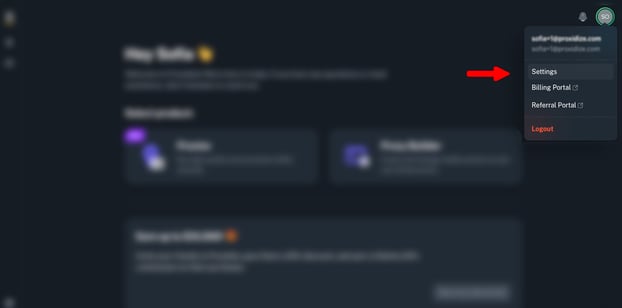
Step 2: Start the verification process
In the Settings tab, navigate to the Verify section.
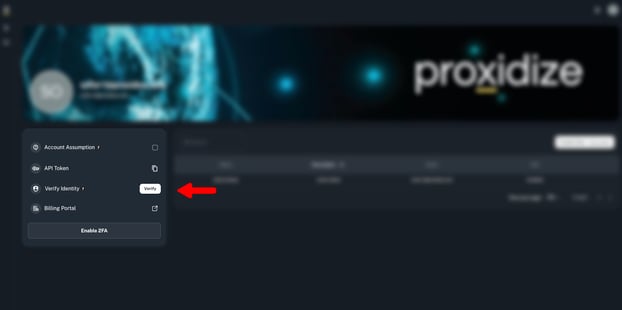
If your account has not been verified previously, you will see the option to Verify. Click it to begin the verification process.
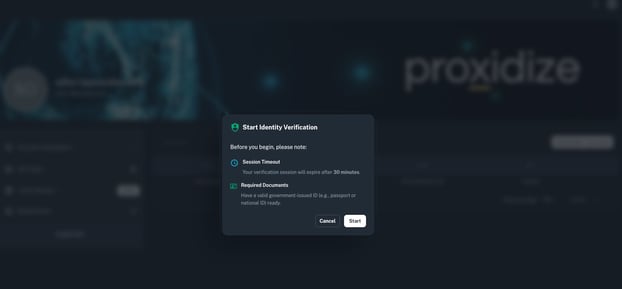
You will then be taken to the verification platform. Click Start to proceed.
Step 3: Select your country
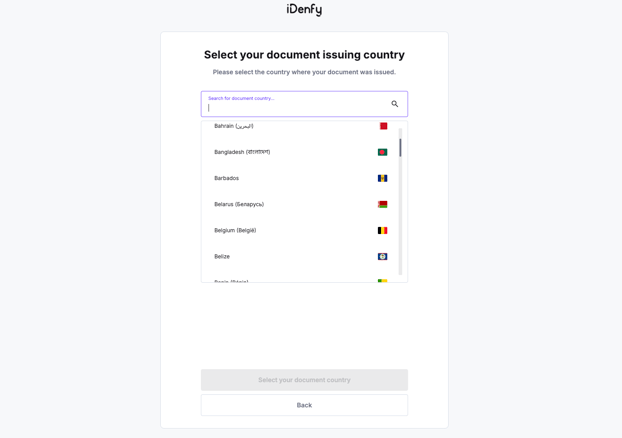
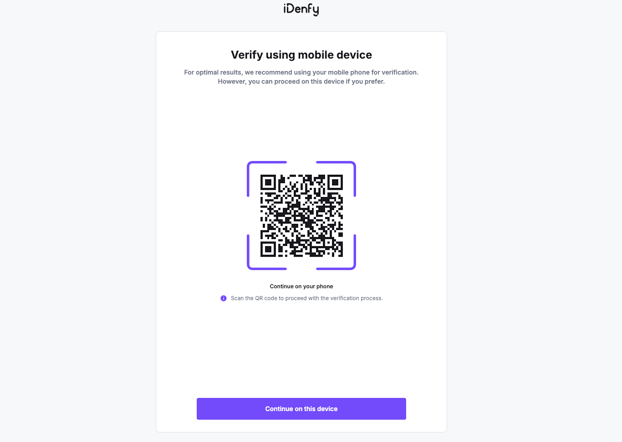
Once you’re in the verification platform, select the country you are residing in, then click Continue on this device.
Step 4: Choose a verification document
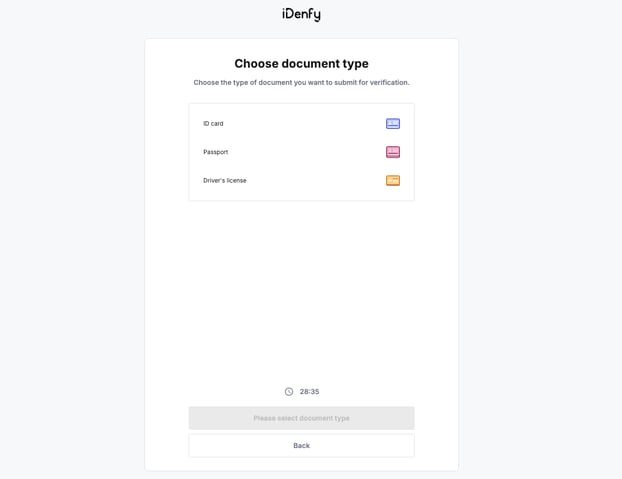
You can complete KYC verification using one of the following:
-
ID card
-
Passport
-
Driver’s license
Step 5: Complete the verification
Follow the steps on the platform to:
-
Scan the selected document
-
Take a photo of yourself (selfie verification)
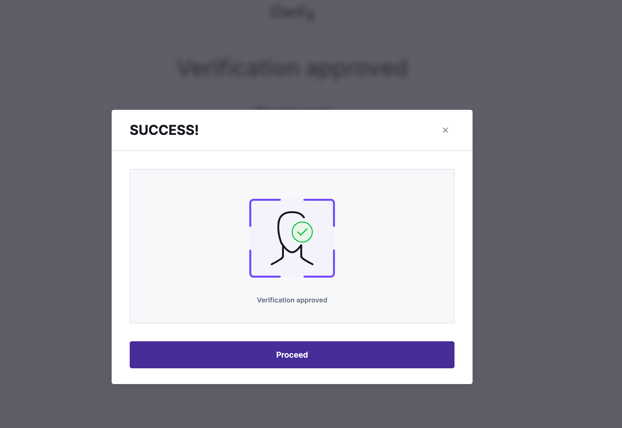
Once the verification is completed successfully, you will see a confirmation message that your verification was successful.
Step 6: Confirm verification in your Proxidize dashboard
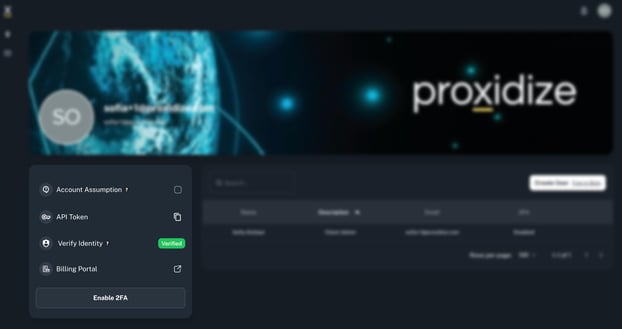
Return to app.proxidize.com, go back to the Settings tab, and confirm that your identity is now shown as Verified.
You can view your identity verification status at any time by going to Settings in your Proxidize dashboard.
Below are the possible statuses you may see under Verify Identity:
- Verify: KYC has not been completed yet. Click Verify to start the identity verification process.
- Verified: KYC verification was completed and approved. You can use your Proxies normally.
- Rejected: KYC verification was rejected by the verification provider. You can retry the verification process.
- Expired: The verification session expired because it wasn’t completed within 30 minutes. You can restart the process.
After confirming your identity has been verified, you can proceed with using your proxies normally.